Convert, Then Ask: Making Sense of Leftover Files
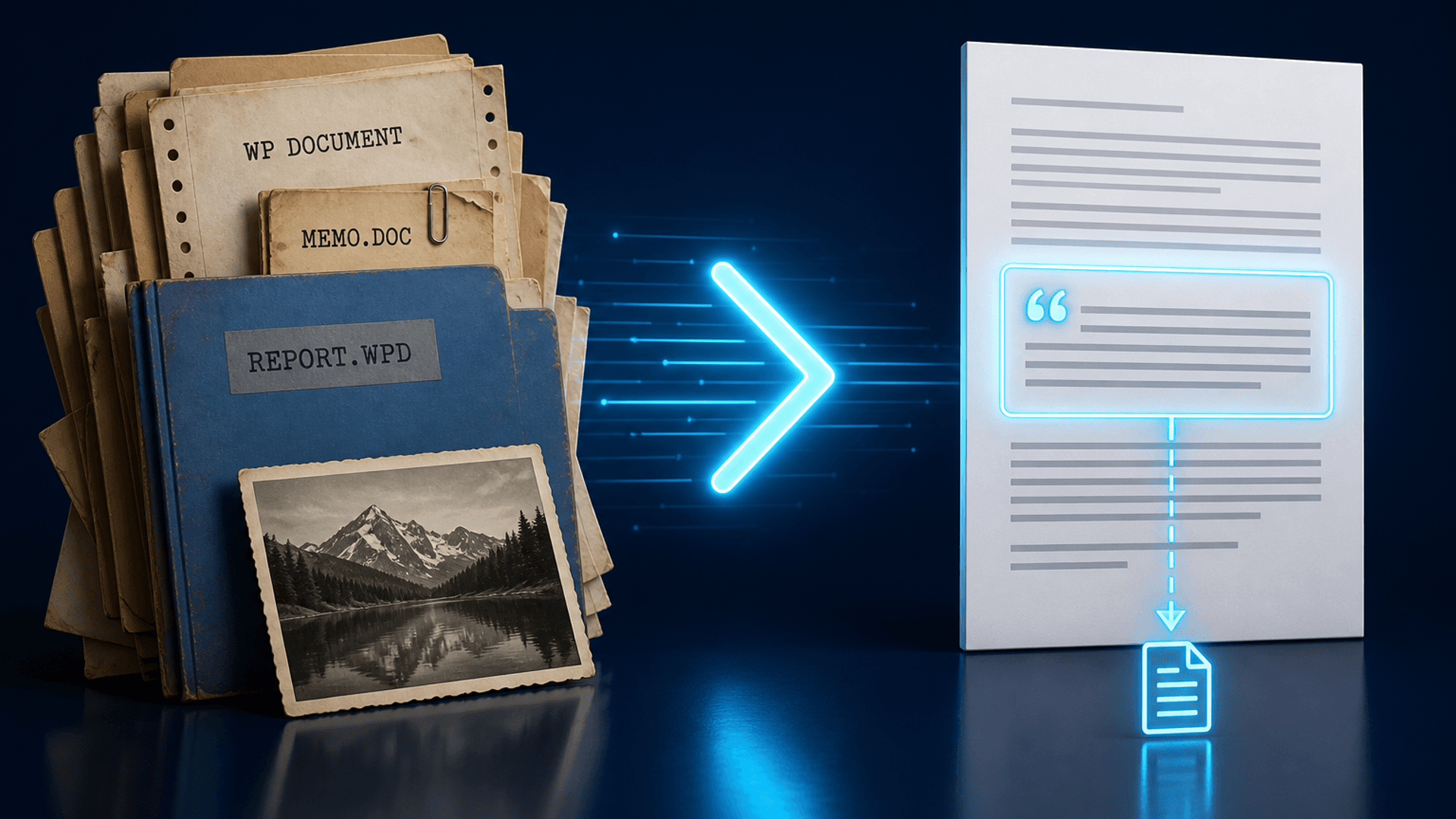
Leftover drives are full of formats Windows barely opens. The useful path is convert what you can, index the folders you choose, then ask — with citations that still point at the original path.
TL;DR
Filecite is convert-then-ask for leftover archives on Windows. Conversion Library Plus remains a separate one-time converter. Filecite is the subscription product that indexes and answers locally.
Estate dumps, old laptop folders, and law-firm archives rarely arrive as neat PDFs. You get WordPerfect, Lotus, Quattro Pro, and mystery binaries next to JPEGs with XMP places. Searching that pile in a cloud Glean-style product means uploading someone else's life. Filecite is built for the other path: stay on the PC.
Convert what you can
Not every leftover format becomes a perfect modern twin. The job is to recover readable text and keep the original. Green 18 converter apps (and Conversion Library Plus) handle the one-time conversion work. Filecite expects that converted output — and the originals — to live in folders you add on purpose.
Index privately, then ask
Once folders are indexed, hybrid search and Ask with citations let you query This document, Search results, or the Entire library. Answers cite paths you can open. Side references preview the file without inventing a cloud dossier.
What Filecite is not
It is not a silent whole-drive crawler. It is not a SaaS connector suite. It does not replace Conversion Library Plus as a one-time converter SKU. Filecite is the subscription layer for local search and cited answers.
More on why citations must open the original path: Citations Should Open the Original Path.
See what we're building
Vote on the public roadmap, or see Personal and Commercial pricing on the homepage.
Open roadmap